 Increase
customer satisfaction by offering personalized call treatment.
Increase
customer satisfaction by offering personalized call treatment.Microsoft Ignite 2025 Recap: The Rise of Agentic AI and Intelligent Tooling
by Chris Bardon | Published On December 10, 2025
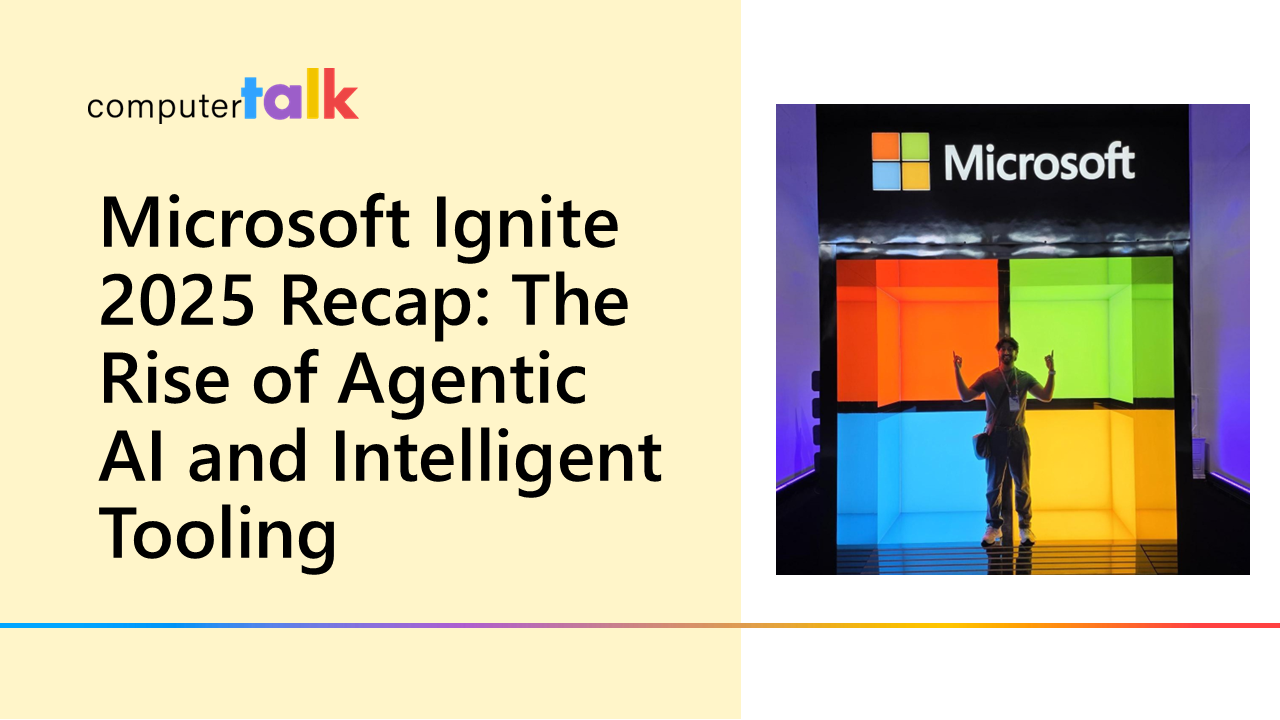


Microsoft Ignite 2025 was last month in San Francisco, and while there were similar themes to last year, there was a little more breadth of application than in 2024. If last year in Chicago was the first real “in-person conferences are back” moment since 2020, this year was hammering the point home with even more attendees than the last event.
I haven’t been to a conference at the Moscone Center since the last Microsoft Build that was there in 2016, but this event had way more attendees and was subject to way more physical security than any previous Microsoft conference that I can remember.
As expected, this year was all about AI again, but a very specific kind of AI.
Understanding Modern AI
The term “AI” is a little loaded these days, but in general, AI has become inexorably intertwined with Large Language Models (LLM) and Natural Language text (or image, video, etc.) completions. Going into Ignite, I actually wondered if I’d missed something about how modern generative AI works. There was so much talk about the power of generative AI and agentic systems that I started to doubt my understanding of how the magic trick worked.
The beauty of a conference like this is that you can interact with some very smart people, and I had a chance to chat with Mark Russinovich, the CTO of Azure, who is, overall, a very smart person. I asked him flat out if I was missing anything, and he confirmed that I wasn’t. Modern AI really boils down to these three things:
- Token Prediction: Given a series of tokens, what is the next token in the sequence? For example, give an LLM, “we finish each other’s…” and it’ll predict the next word as “sandwiches” (maybe-keeping in mind that this is all probabilistic).
- Retrieval-Augmented Generation: Instead of retraining a model, Retrieval Augmented Generation works by giving the language model extra reference material, like handing it a textbook and asking it to find the answer in here. The language model uses this retrieved information to guide its responses, shaping the output based on the added context.
- Tool Calls: Message conventions that return formatted messages that can be used to invoke a specific tool. This could be running a piece of code, creating a SQL ticket, or even just returning the current time. A tool call combines token prediction and RAG to generate a special set of tokens that represents something that a system of record can process.
That’s really it. A language model can predict tokens. You can augment that prediction with data in a prompt, and you can list tools in a prompt that will be special completions. That’s not to diminish what any of these things do. Even though they’re an expensive, brute-force solution to the neural network problem, LLMs are incredible pieces of technology. Understanding that what we’re seeing is human ingenuity in discovering new ways to use this foundational technology helps offset these concerns.
With that foundation in place, consider the theme of this year, which was once again Intelligent Agents and Agentic AI. If last year was about pushing agents into Copilot, this year was about putting agents everywhere and embracing the standards that have started to emerge.
Why MCP Matters: Smarter, More Natural Tool Use
One of the things I was grateful for this year was the chance to spend some time digging into what makes Model Context Protocol (MCP) tick. At its core, it’s a smart way of combining RAG and tool calling, so agents can communicate with each other using natural language.
The way agents use tools has gotten much smoother with MCP. Before, if you wanted an AI assistant or Copilot to use a specific app or connector, you had to call it out by name, which made everything feel clunky. I remember trying to use the Google Assistant back in the early smart speaker days and having to say “useOurGroceries to add butter” just to get the right shopping list app. If I simply said, “add butter to the grocery list,” it would default to something else, like Google Keep, because it didn’t understand my preferences. Teams extensions had a similar issue – you had to “@mention” the exact one you wanted instead of the system just knowing what tools were available and choosing the right one.
MCP fixes this issue by giving agents clear descriptions of what each tool is for (e.g. “use this tool to add something to a grocery list.”. The model can then decide for itself when to use the right tool, the same way you’d expect someone to grab a hammer when you say, “Can you drive in a nail?” without you needing to spell it out. When you add memory for user preferences, the experience gets even more natural. You can still ask for confirmation before a tool runs, but that becomes a design choice, not a technical limitation. After Ignite, I've got a few ideas on how to make our ice Contact Center solution work even better with MCP going forward!
Azure’s Rapidly Evolving AI Tooling
The Azure team’s tooling around AI services has evolved at a breakneck pace. Earlier, tools like Prompt Flow, Language Studio, and Power Virtual Agents were the main focus, but now AI Foundry is taking center stage. Foundry simplified the process of creating, testing, and deploying AI agents by combining agent definition and hosting into a single, easy-to-use interface. For someone building AI solutions, this means much less setup time and fewer moving parts to worry about.
One of the most exciting features is the new Retrieval-Augmentation Generation (RAG) capabilities in knowledge bases. Traditionally, pulling relevant information for an AI model could require carefully crafted prompts, but with Foundry, the system can automatically generate multiple search terms, rank results, and feed the most useful context into the agent. In practice, this means agents can answer questions more accurately and efficiently, without a developer having to manually tune every prompt. For example, you could have an agent quickly pull the most relevant documents or records from a database, providing them with precise answers in seconds.
What really stands out is how fast you can prototype and experiment with AI agents. I was able to put together a few quick prototypes in Foundry to see how the agent-building platform works, and the observability features and built-in guardrails make it easier to monitor and safely deploy AI in production. While we’re still exploring how much of this stack will be used for our solution, the speed at which you iterate is impressive. Once a solution is built, there are opportunities to optimize for things like cost and performance, but for exploring possibilities and testing new ideas, Foundry is a powerful tool for teams looking to innovate quickly.
Creative Uses of AI Across Ignite
Beyond the tooling, what was great about Ignite this year was seeing how people took these core capabilities (token prediction, RAG, tool calling) and combined them into interesting systems. For example, in a lab on semantic memory, I saw an example of an extremely well-crafted prompt that inspected the dialogue at each turn to look for “facets” (a term the developer defined) of things to store as memories about the caller. In this case it was looking at travel preferences, but the interesting bit was how the prompt was constructed to define some specific rules, categories, and ways to score a ranking (strong vs weak preference). Having built some similarly complex prompts for some of the contact insights features in ice, I learned a couple of new tricks.
There was also a chance to get hands on with the new SQL server features that allowed for semantic search with native vector types, so now everything is a vector database. There are a couple of places where we’re already doing full text search in SQL (contact transcripts and insights), so one of the things we’re going to try out is whether making this semantic is effective, and how that might change the way we create contact insight jobs.
Other Notable Highlights at Ignite
Outside of AI there really weren’t a lot of updates on other areas of Microsoft, which is kind of telling. Ignite, as an event, grew out of bringing multiple smaller events (TechEd, Lync, SharePoint, Exchange, etc.) together as a single mega-conference that covered all things Microsoft. This was great for technological breadth people like me because it meant being able to check in on the overall Microsoft strategy and see how that could enable or compliment the ComputerTalk strategy for the next year. With the singular AI focus over the last few years, it does call into question the degree of investment in some technology areas, except as they relate to furthering AI adoption. Teams, for example, barely had a presence, and groups like Azure Communication Services were nowhere to be found in the session list.
There were still a couple of good core infrastructure and tool sessions that I took in on things like Visual Studio 2026 and Azure Kubernetes Service. There were also a lot of Microsoft product team experts on the expo floor, and I had some good conversations about things like Github, Azure Devops, Fabric, CosmosDB, and various other Azure bits, but most, if not all, of the sessions, keynotes, and lab content was filtered through the AI lens.
Looking Ahead to 2026
Coming back to reality after a week at a conference like this is always a bit of a culture shock. As I’ve said before, one of the most valuable things about events like Ignite is a chance to pull back and see what the industry is doing, what new things we should pay attention to, and to find new ideas for how we can build out ice and what ComputerTalk can do. In that respect, Ignite was certainly a success this year, and I have a long to-do list of things to follow up on, and some new connections to follow up with over the next year. I’m also already looking forward to seeing what the 2026 event looks like back in San Francisco, and what the Microsoft and CCaaS landscape looks like by then.
More from our blog
 I joined ComputerTalk during peak-pandemic times- when banana bread was a national pastime and Zoom backgrounds were judged harder than actual office decor. My job? Marketing! Specifically, lots of copywriting. Thought leadership blogs. Punchy taglines. And optimizing content so it...
 One of the major improvements that Teams made over Skype for Business was the introduction of Direct Routing. In the SFB world, an onprem topology could be connected to the cloud for hybrid voice, but the architecture was complicated,...
 Ever since I started at ComputerTalk, my time here has been both rewarding and transformative. I've had the opportunity to grow professionally, collaborate with talented individuals, and contribute to meaningful projects that make a real impact.